Prepare admit cards, resize passport photos to exact KB limits, sign PDF contracts, and scan paperwork directly on your Android device with bank-grade privacy.
Real screen captures demonstrating how DocCraft solves your daily document tasks without compromise.
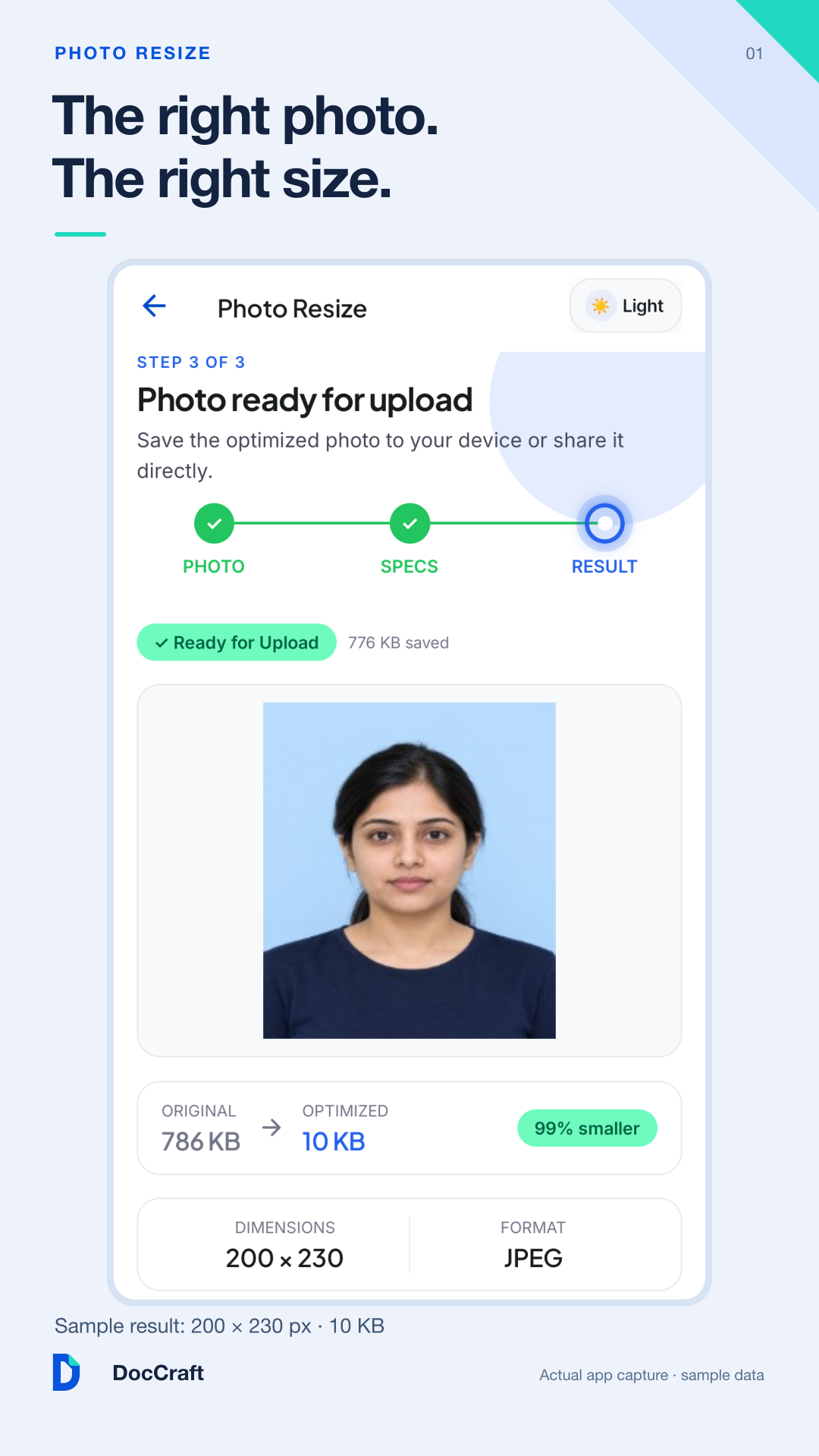
Hit exact file sizes (e.g. 20KB - 50KB) and pixel dimensions with one-tap official exam portal presets.
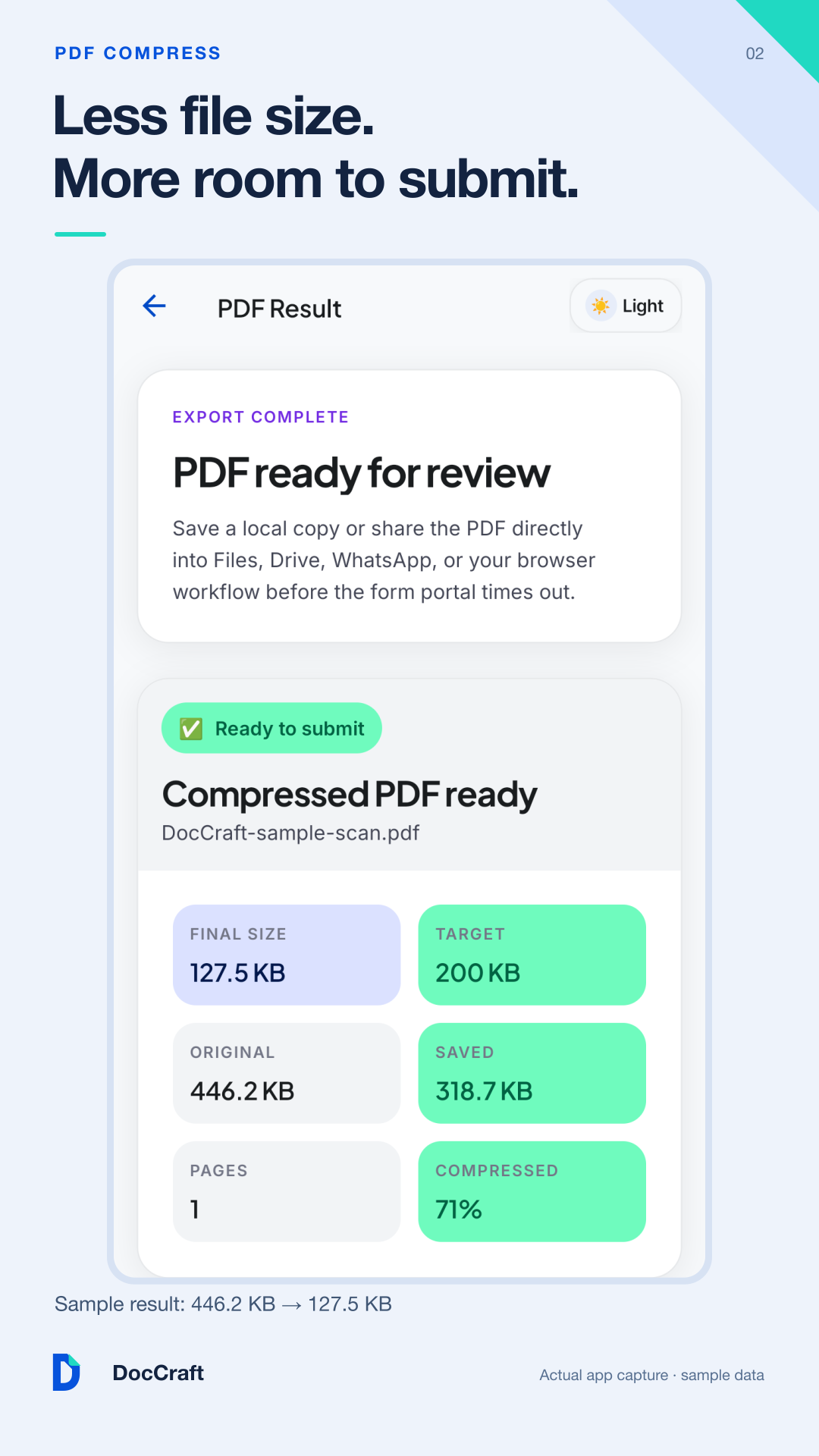
Shrink large multi-page PDF documents to target KB limits without losing text clarity or scan quality.
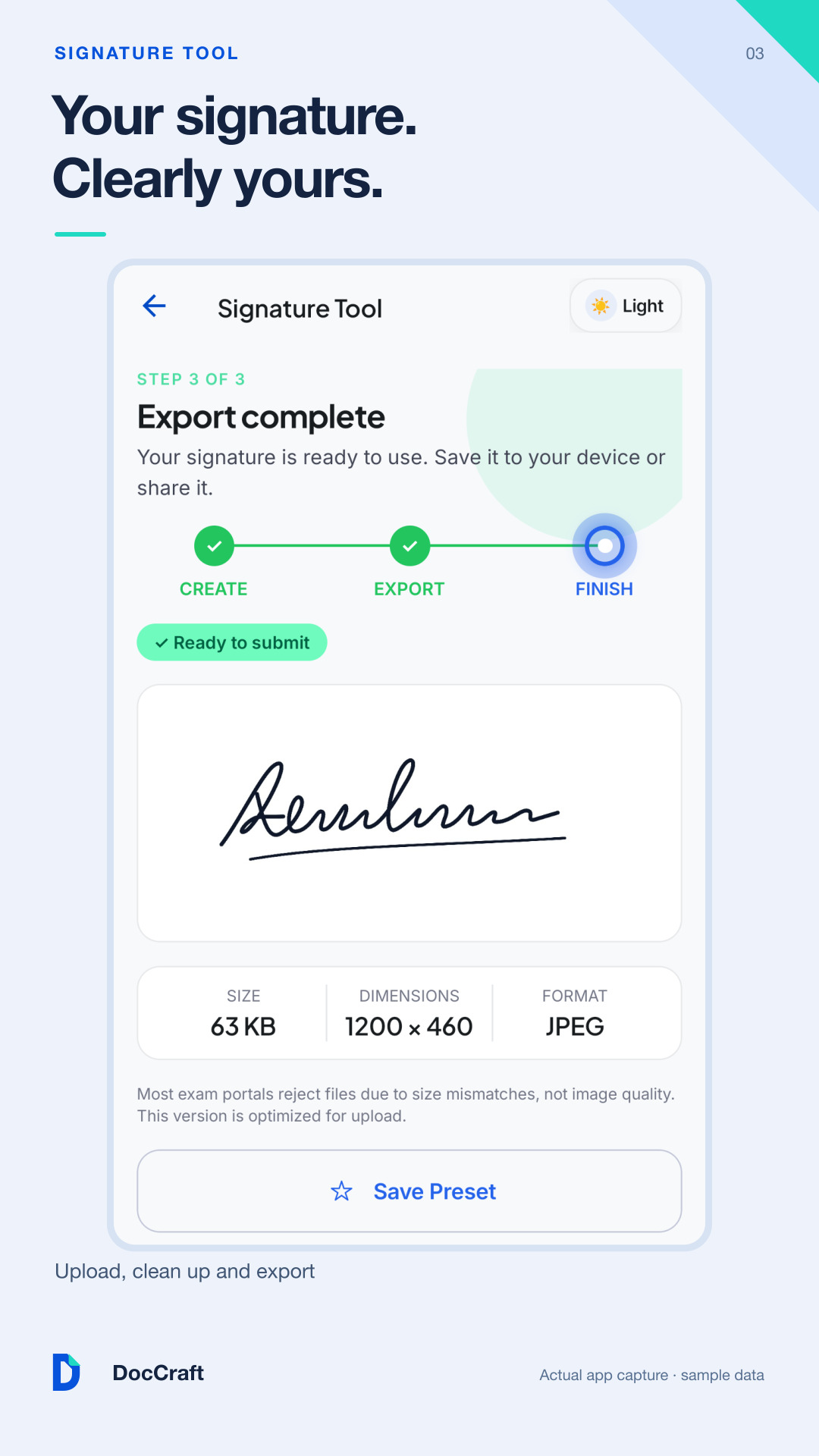
Draw or scan signatures with automatic background ink-removal and stamp them straight onto PDF documents.
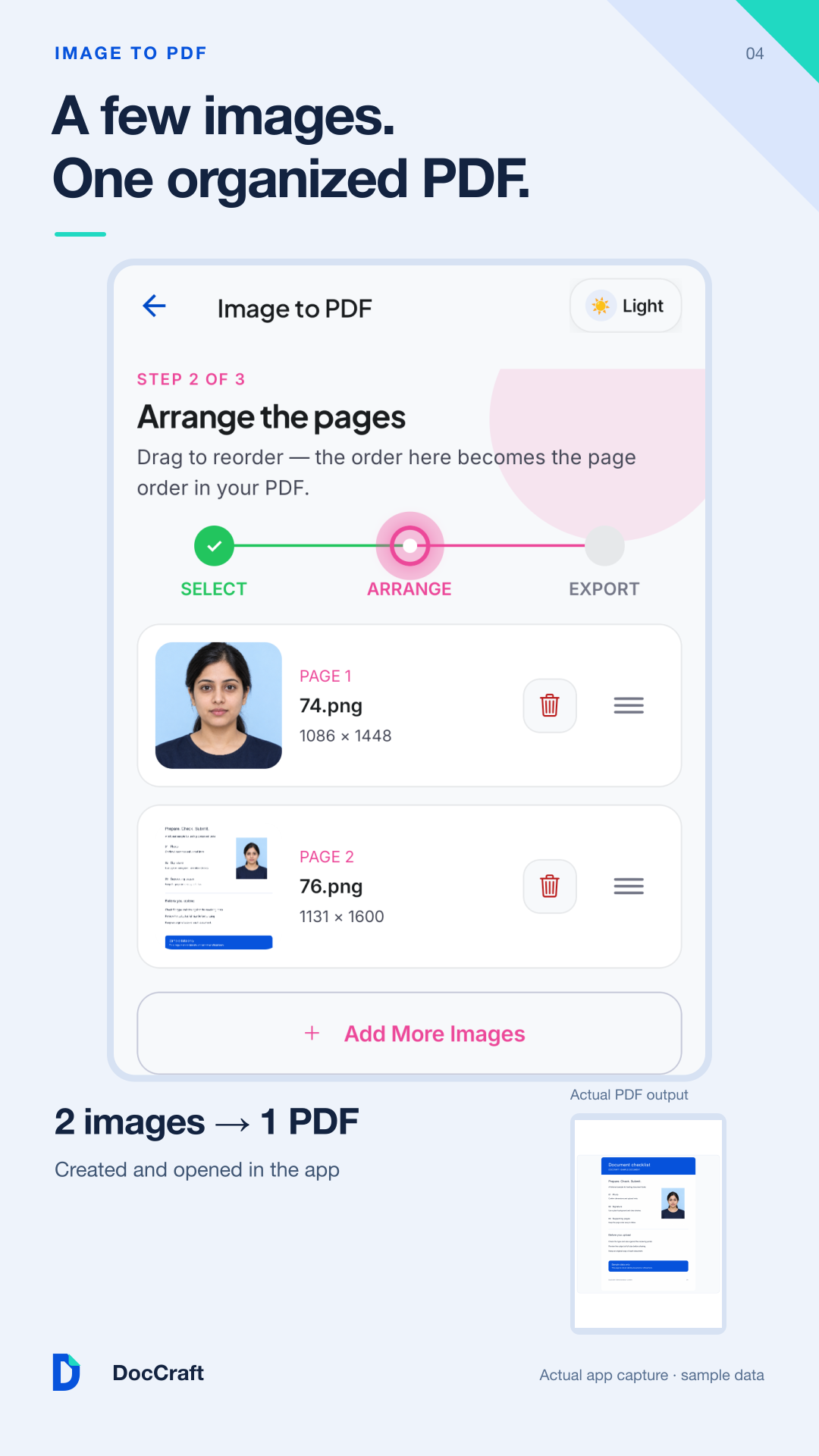
Merge, reorder, rotate, watermark, protect, and extract pages visually with a modern fluid interface.
No subscriptions for basic features, no waiting in cloud server queues, and no privacy compromises.
Complete control over your PDF files. Merge admitted cards, extract grade sheets, or redact sensitive records.
Built-in binary search image algorithm that hits target file sizes and pixel aspect ratios on the first try.
Turn your phone camera into a high-precision scanner. Auto-crop, angle correction, and high-contrast B&W filters.
Seamlessly convert between common productivity formats on your phone without third-party converters.
No more jumping between sketchy websites or installing ten different single-purpose apps.
No. All conversions, image resizing, and PDF modifications are executed locally on your device. Your sensitive paperwork never leaves your phone.
DocCraft uses an iterative binary search compression engine. It adjusts quality and resolution mathematically until the file size matches the portal's target limits exactly.
Yes. The core document tools, scanner, compressor, and photo editor work completely offline without an active internet connection.
Yes! DocCraft includes built-in presets for standard visa sizes, passport photos, and major competitive exam portals (SSC, UPSC, State PCS, banking, etc.).